T Pod Sonar: How to Use a Portable Ice-Fishing Transducer
A practical guide to understanding the Vexilar SonarPhone T-Pod system, preparing it for ice fishing, and interpreting what it can—and cannot—tell you beneath the ice.
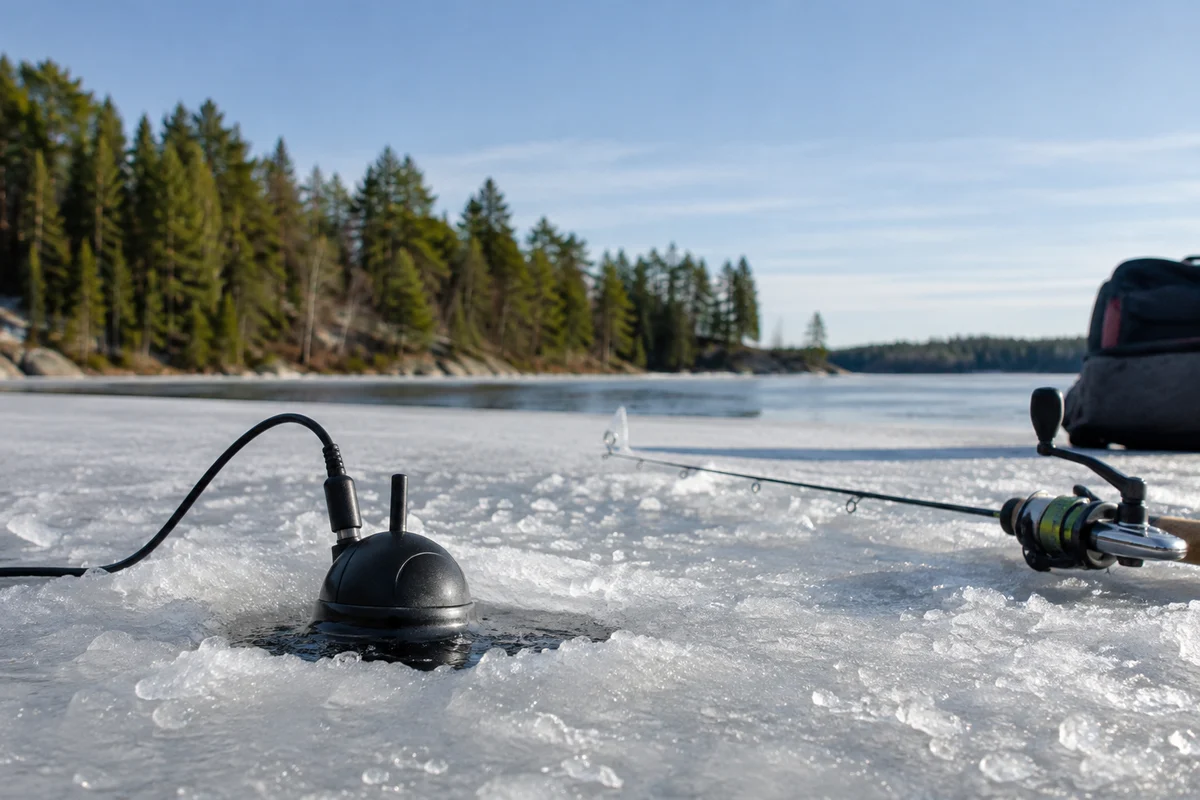
A t pod sonar system is a portable sonar option for anglers who want to view underwater information on a compatible phone or tablet rather than carry a conventional display. The Vexilar SonarPhone T-Pod pairs a floating transducer pod with a mobile device and an app; exact compatibility and operation depend on the particular equipment and software version. Before heading onto the ice, confirm the manual for your unit, test the connection at home, and treat the display as one source of information—not a guarantee that fish are present or that ice is safe.
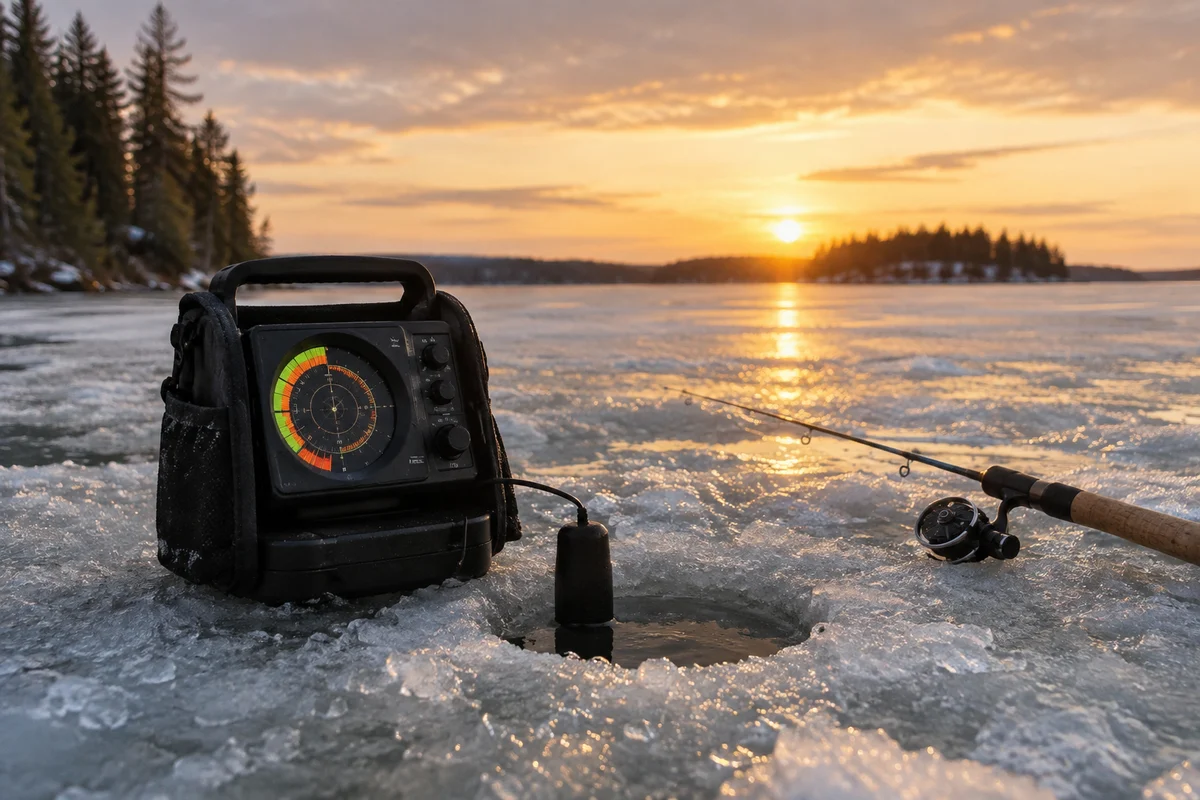
This guide focuses on the system’s practical role in ice fishing: what to check, how to make a useful first setup, and how to decide whether phone-based sonar fits your fishing style. For broader seasonal planning, start with the ice-fishing hub; anglers comparing electronics may also find context in our overview of the Vexilar FL-12 and the guide to the FishPhone by Vexilar.
What is the Vexilar SonarPhone T-Pod?
The T-Pod is a portable transducer arrangement associated with Vexilar’s SonarPhone system. Rather than relying on a built-in screen, the setup uses a compatible mobile device to display sonar information sent from the transducer. The pod is intended to float at the water surface while its transducer directs sonar downward. Consult the product manual for the exact model’s supported devices, wireless connection procedure, operating range, power requirements, and app instructions; product revisions and software support can change.
That phone-centered approach has a clear appeal: many anglers already carry a mobile device, and a smaller electronics kit can be convenient when moving between holes. It also introduces dependencies that a dedicated fish finder may avoid, including device compatibility, battery condition, app availability, screen visibility, and cold-weather performance.
How should you prepare a T-Pod for an ice-fishing trip?
Use a short pre-trip routine rather than discovering a setup problem over a fresh hole.
- Check compatibility and instructions. Verify that your phone or tablet and operating system are supported for your specific T-Pod and app. Read the manual for connection, charging, maintenance, and any environmental limits.
- Install and test the app at home. Confirm that the application opens and that the device can pair with the pod. Do not assume an old app listing or a remembered setup still applies after software updates.
- Charge both components. Start with a charged mobile device and a charged sonar unit as applicable. Cold temperatures can reduce battery runtime, so carry a protected backup power option for the phone if the manufacturer permits it.
- Protect the screen. Set up a stable phone mount or a dry, accessible pocket arrangement. Keep the device out of direct snow, slush, and standing water, and make sure you can see it without compromising footing or attention.
- Bring a backup plan. A spare battery, paper notes, or another way to locate and manage your fishing area can help if the phone loses power or the connection fails. Sonar is optional equipment, not a substitute for safe ice decisions.
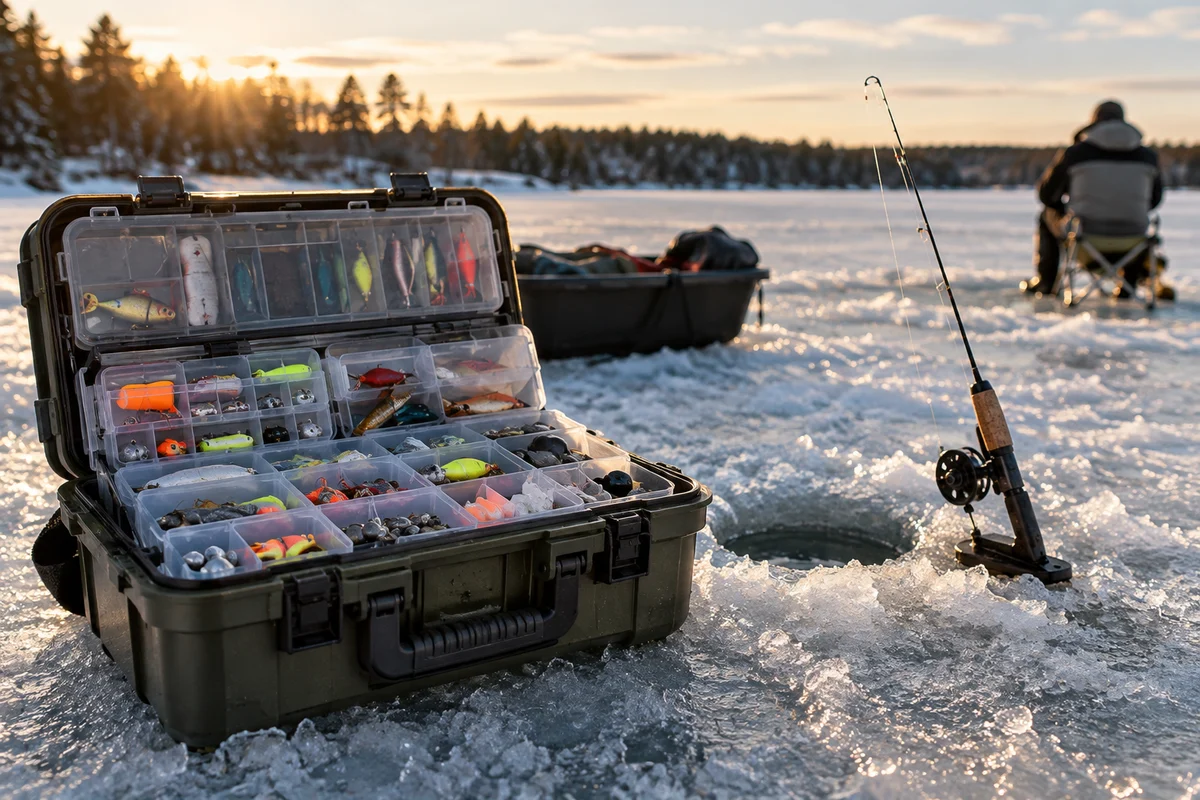
A useful companion to electronics prep is organizing small gear before you leave. Our article on ice-fishing tackle storage covers the separate problem of keeping terminal tackle accessible when conditions are cold and gloves are on.
What does the sonar display tell you?
Sonar sends sound into the water and interprets returning echoes. Depending on the device and display settings, the screen may show bottom depth, a representation of the bottom, and returns that could correspond to fish or other objects. The display is an interpretation of echoes, not an underwater photograph or a species identification tool.
Start by checking whether the indicated depth is plausible for the spot and whether the unit is producing a stable reading. Keep the transducer positioned as the manual specifies, with a clear path into the water. If readings jump, disappear, or look inconsistent, check placement, connection, battery status, and settings before drawing conclusions about fish activity.
A sonar mark should be treated as a clue. A return may be a fish, but the screen alone cannot reliably tell you species, size, or whether a fish will bite. Structure, weeds, suspended material, transducer position, and display configuration can all affect what appears. Compare the electronics with your own observations and local knowledge rather than treating a single mark as proof.
Field decision framework: is a phone-based system a good fit?
| Your situation | T-Pod may be a practical fit when… | Consider another approach when… |
|---|---|---|
| You move frequently | A compact kit and phone display are convenient, and you can keep the device secure. | You need a dedicated display that is always ready without app or phone setup. |
| Your phone is your main screen | The exact model is compatible, the app works, and you can protect the phone from cold and moisture. | Your phone has weak battery health, poor cold-weather runtime, or an unsupported operating system. |
| You fish in low light | The screen is readable at a comfortable brightness and can be mounted safely. | Glare, snow, gloves, or the need to preserve phone power makes viewing difficult. |
| You want dependable simplicity | You have tested the complete system and know how to reconnect it. | A phone, wireless link, or app update would add too many possible failure points. |
| You need more certainty | You use sonar as supporting information and verify conditions independently. | You expect electronics to identify fish precisely or determine whether ice is safe. |
This is a decision aid, not a claim that one design is universally better. A conventional flasher may suit anglers who prefer a dedicated display and familiar real-time presentation; a phone-based setup can suit those who value portability and already use a compatible device. Compare the actual manuals and current manufacturer information for the units you are considering.
What are the main limitations in cold weather?
Cold affects the whole system, not just the transducer. Phone batteries may run down faster in low temperatures, touchscreens can be difficult to operate with gloves, and moisture or condensation can create problems. Wireless communication may also be interrupted by distance, interference, or setup issues. The extent depends on the model, device, conditions, and how the equipment is carried.
Keep the phone warm but accessible, avoid sealing a wet device into a way that traps moisture, and follow the manufacturer’s care guidance. If the app freezes or the link drops, pause fishing and restore the connection safely rather than focusing on the screen while walking on ice. Never use sonar readings to judge ice thickness or stability; consult local authorities’ guidance and assess conditions independently.
How should you maintain and store the system?
After a trip, follow the product manual’s cleaning and drying instructions. Remove wet gear from its case, check the pod and cable or charging interfaces for visible damage, and store components in a dry place within the manufacturer’s temperature recommendations. Avoid improvising repairs or opening sealed electronics. If the unit behaves unpredictably, record the model and symptoms and contact the manufacturer or an authorized service resource for current advice.
Also check the app and support information before the season begins. Mobile operating systems and app distribution can change, so verify that your intended device still supports the software. Do not rely on an old download, an unverified third-party file, or a remembered feature list as proof of current compatibility.
Is a T-Pod a replacement for a conventional flasher?
It can serve a similar general purpose—helping an angler see sonar information—but the experience is different. A T-Pod places the display on a mobile device, while a dedicated flasher has its own screen and controls. The better choice depends on compatibility, visibility, battery management, setup preferences, and the information the angler wants to interpret. If possible, compare current documentation and try the interface in familiar conditions before relying on it for a full day on the ice.
A measured approach is best: test the system, learn what its display means, and keep a backup plan. Used that way, the T-Pod can be a useful tool for exploring depth and underwater returns without mistaking technology for certainty.
Frequently asked questions
Does the Vexilar T-Pod work with every smartphone?
No. Compatibility depends on the specific T-Pod, phone or tablet, operating system, and app support. Check the current manual and manufacturer information for your model before a trip.
Can T-Pod sonar identify a fish species or size?
No. Sonar returns are interpretations of echoes, not photographs or reliable species and size identifications. Use the display as a clue alongside other observations.
Can sonar tell me whether lake ice is safe?
No. Sonar is not an ice-safety assessment tool. Follow local authorities’ guidance and independently evaluate ice conditions; never infer safety from a sonar reading.
Sources & further information
Consult these primary sources for current regulations, technical information and local guidance.