PlotWatcher Pro Trail Camera Review: A Scouting Guide
The PlotWatcher Pro is best understood as a time-lapse scouting tool, not simply a motion-triggered wildlife camera. This guide explains how to evaluate its usefulness, plan a defensible setup, and interpret what its images can—and cannot—tell you.
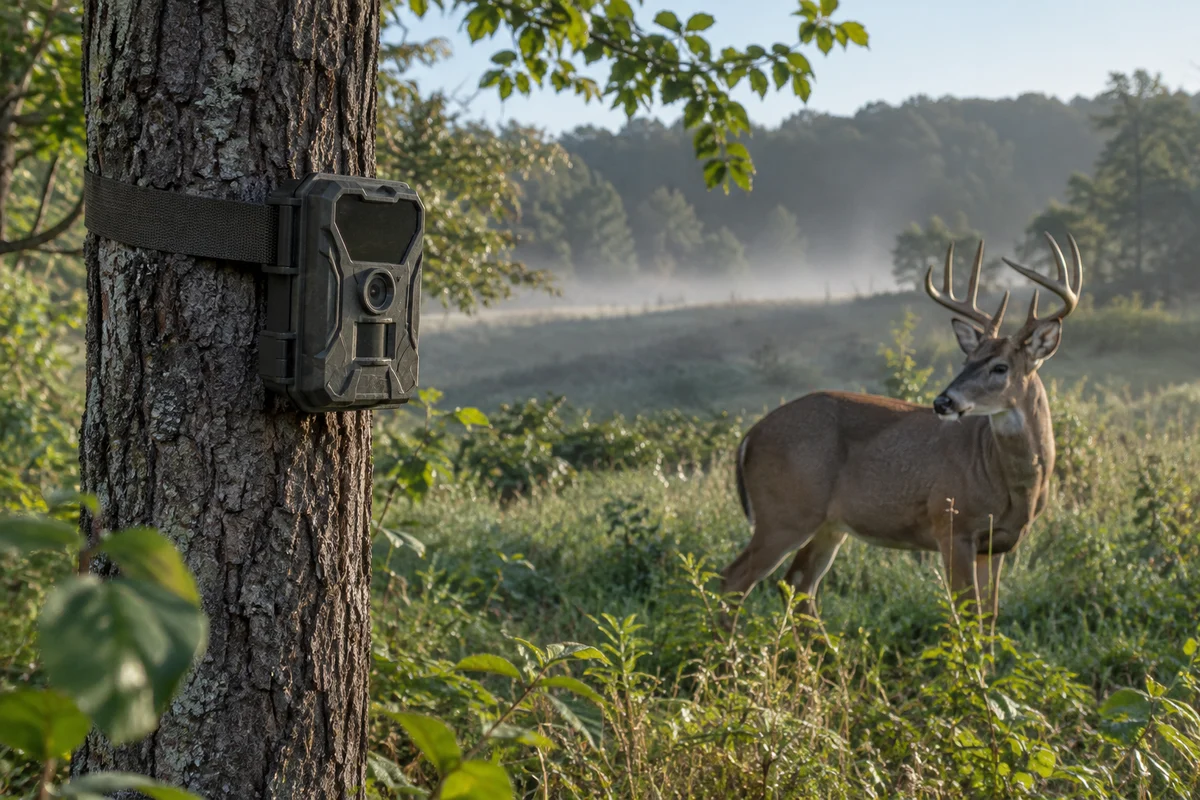
A PlotWatcher Pro trail camera review needs to begin with a practical question: what do you want to learn when you are not in the field? A time-lapse camera can document a clearing, field edge, or travel corridor at scheduled intervals, helping reveal patterns that a motion-triggered camera may miss. But the value depends on placement, settings, power, weather protection, and how carefully you interpret the resulting images.
The PlotWatcher Pro is a legacy product, so its exact features, software compatibility, accessories, and availability may vary. Treat this as an evaluation framework rather than a claim that every unit or version behaves identically. Before relying on one, check the original manual and manufacturer information available for your particular model. For a broader look at outdoor observation gear, browse the camping and hiking hub.
What kind of scouting does a time-lapse camera support?
A motion-triggered camera waits for movement to activate capture. A time-lapse unit instead records images on a schedule, whether or not an animal crosses its detection zone. That distinction matters in an open area where you want to observe activity over a broad span of time, including movements that might not reliably trigger a sensor.
Scheduled images can help answer questions such as whether an area is generally active at dawn, how daylight and weather affect visibility, or whether people, livestock, and wildlife use the same access point. They are not a substitute for direct observation, and a sequence of still images may not show exactly where an animal entered or exited. Nor does it establish a complete behavioral pattern: the camera only records the view and times you selected.
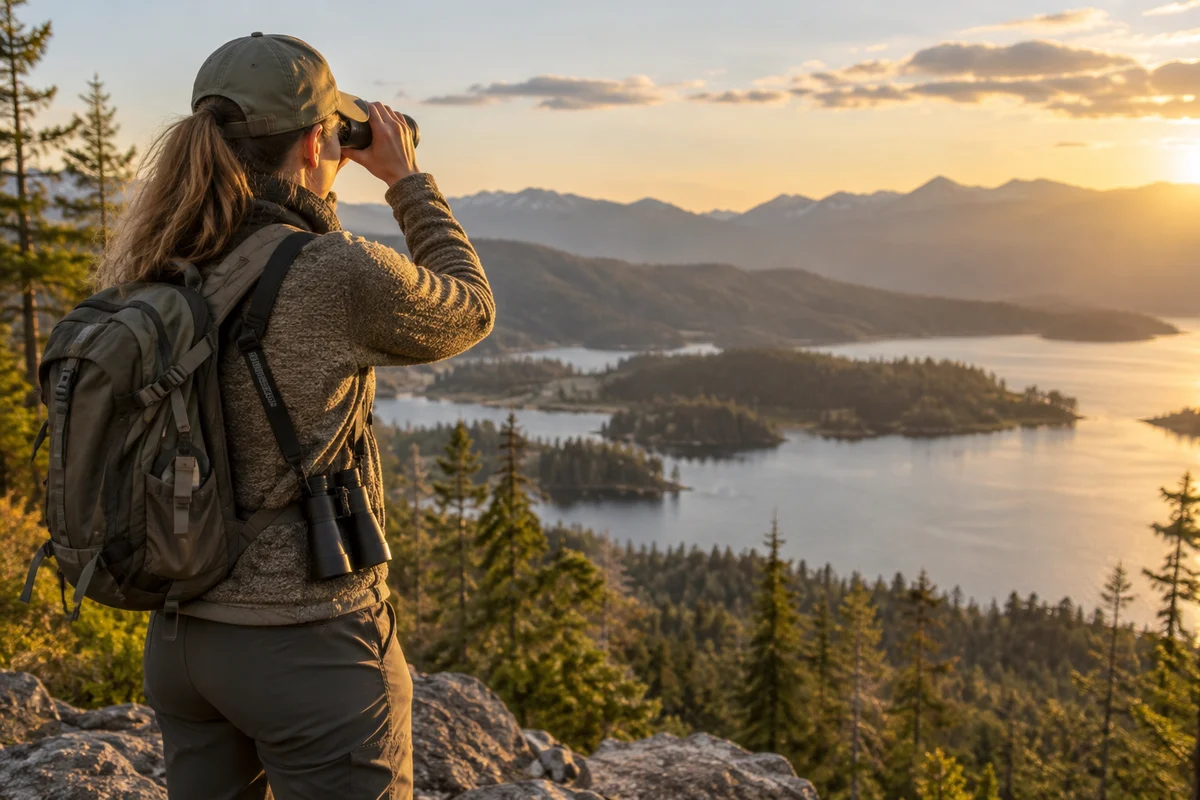
Think of it as a remote notebook. Its job is to provide repeatable observations from one location, not to make a scouting decision for you. If you need a wider view of distant terrain while you are present, compare the role of a camera with binoculars for outdoor observation, which let you assess a scene directly without leaving equipment behind.
How should you evaluate a PlotWatcher Pro before taking it afield?
Start with condition and compatibility, especially for a used or long-stored unit. Inspect the housing, latch, lens window, mounting points, battery compartment, and seals for cracks, corrosion, residue, or damage. Check that the controls respond and that the camera can save and retrieve a test sequence using the storage media and computer workflow specified by its documentation.
Do not assume an old camera's software, card format, connector, or operating system support will work with current devices. Confirm these details from the manual or manufacturer rather than inferring them from the product name. If you cannot reliably review and back up images, the camera may be an inconvenient scouting tool even if it captures them successfully.
| Evaluation point | What to check | Why it matters |
|---|---|---|
| Image workflow | Can you capture, transfer, open, and back up a short test sequence? | Captured files are useful only if you can review them. |
| Scheduled capture | Does the unit offer the interval and operating window you need? | A mismatch can leave important periods undocumented or waste power. |
| Power | Does the specified battery setup hold charge and make reliable contact? | Weak or corroded power connections can interrupt a sequence. |
| Mounting | Can it be secured steadily and aimed without obstructing the view? | A shifted camera makes comparisons difficult. |
| Weather condition | Are housing and seals intact, and is the location suitably sheltered? | Weather exposure can compromise equipment and image quality. |
| Rules and privacy | Is camera use permitted, and will it capture people or private property? | Access, land rules, and privacy expectations vary by location. |
Make the test at home or in a controlled setting before your first scouting outing. A brief test catches common practical problems—incorrect clock settings, missing storage, a dead battery, or an unfamiliar file-transfer process—without requiring a return trip.
Where should you place it for useful images?
Choose a stable view that answers one specific question. A field edge, opening, trail crossing, or water approach may be informative, but the right location depends on your land and purpose. Avoid aiming directly into low sun when possible; strong backlight can obscure detail. Also consider how vegetation changes through the season. A view that is clear in winter may fill with leaves or tall grass later.
Mount the camera securely and check its framing at the actual height and angle it will use. Include enough surrounding context to recognize the site, while keeping the key area large enough to inspect. If the camera supports a schedule, set a limited observation window that fits your question rather than recording indiscriminately around the clock. This can reduce needless image volume and battery demand.
Respect property boundaries and local rules. Obtain permission where required, avoid recording private spaces, and consider whether a camera could capture visitors, neighboring land, or a public route. Hunting regulations governing cameras and their use can differ by jurisdiction and may change. Consult the appropriate wildlife agency for current rules; the U.S. Fish and Wildlife Service provides a starting point for federal wildlife information, while state agencies govern many local hunting requirements.
For a broader camp setup, reliable lighting and routine checks matter too. A compact camp lantern, such as the type discussed in our Fenix CL25R lantern overview, can help with ordinary campsite tasks, but it does not replace safe daylight checks or careful handling of electronics outdoors.
Which settings and habits make the record more useful?
Set the camera clock accurately before deployment and note the time zone. If daylight-saving changes apply, document when you changed the clock; otherwise, later comparisons can be misleading. Keep a simple field log with location, direction, date, interval, operating hours, battery status, and any changes made. A note that vegetation was trimmed or the camera was re-aimed can explain an apparent change in activity.
Use a capture interval that balances temporal detail with power and storage. A shorter interval creates more files but does not automatically create better evidence. A longer interval may overlook brief movements. Because the right setting depends on the camera's actual controls and the observation goal, test a short sequence and consult the model's instructions instead of assuming a particular setting is available.
Review images consistently. Separate observations from interpretations: “animal visible at the east edge at 6:20” is more defensible than “the herd always feeds here at dawn” based on one visit. Look for repeated patterns across multiple days, and account for missed capture periods, weather, changing light, and any interruptions. Store original files with a backup; if you crop or annotate images for comparison, preserve an untouched copy.
What are the main limitations?
A fixed camera sees only one direction, and time-lapse intervals can omit activity between frames. Distance, shade, glare, rain, snow, fog, and moving branches can all make identification harder. A camera may also change how people behave if it is conspicuous, or be moved, damaged, or affected by moisture and temperature. These are ordinary field constraints, not defects unique to one model.
A time-lapse record should not be treated as proof of an animal's identity, population size, or complete route unless the image quality and method genuinely support that conclusion. Avoid drawing strong conclusions from a handful of frames. If the camera is intended for hunting-related scouting, use it in compliance with current local regulations and ethical practice; a camera cannot replace sound judgment, habitat knowledge, or direct verification.
Is the PlotWatcher Pro a sensible choice for your needs?
It may suit someone who wants scheduled observation of a defined scene and can work with the particular unit's legacy image-transfer process. It is less compelling if you need a modern, simple setup, dependable remote access, or motion-triggered close-up records. Since condition and compatibility may differ between units, the most useful “review” is a successful test of the exact camera you plan to use.
Before committing to a long deployment, test capture and file retrieval, confirm power and clock behavior, check the frame in representative light, and verify land-use and wildlife rules. Then revisit the site on a sensible schedule and keep notes. Used with those limits in mind, a PlotWatcher Pro can be one tool for learning what happens at a chosen spot—not a guarantee of a complete picture.
Frequently asked questions
Is the PlotWatcher Pro a motion-triggered trail camera?
It is associated with scheduled time-lapse observation rather than relying only on motion activation. Confirm the functions and settings of your specific unit in its manual.
What should I test before using a PlotWatcher Pro outdoors?
Test capture, clock accuracy, storage, file transfer, power contacts, mounting, and the camera’s view. Check its documentation for model-specific compatibility.
Can trail-camera rules differ by location?
Yes. Rules for camera placement and hunting-related use vary by jurisdiction and may change. Check current guidance from the relevant state or local wildlife agency.
Sources & further information
Consult these primary sources for current regulations, technical information and local guidance.